
How to Write Appraisal Narratives Faster (Without Sacrificing Quality)
It's 7:30 PM. The inspection was this morning. The comps are pulled. The data is entered. All that's left is the narrative sections. And you're staring at a blank screen, trying to remember exactly how you want to describe the neighborhood's market conditions.
This is the part of report writing that eats your evenings. Not the analysis - you can do that in your head while driving home. Not the data entry - that's mechanical. The narratives. The paragraphs that require you to translate your professional observations into structured, compliant prose that satisfies the lender, the AMC reviewer, and USPAP simultaneously.
Under UAD 3.6, this gets worse. The new format requires narratives for 13 report sections, each with specific content expectations. More commentary on condition and quality. More explanation of scope decisions. More structured analysis of environmental factors, energy features, and neighborhood characteristics.
Appraisers tell me narrative writing alone takes 3+ hours per report. For some, it's the entire evening. And the irony is thick: the part that takes the longest isn't the professional judgment - it's the writing. You already know what you observed. You already formed your opinion. The bottleneck is converting your mental analysis into formatted paragraphs.
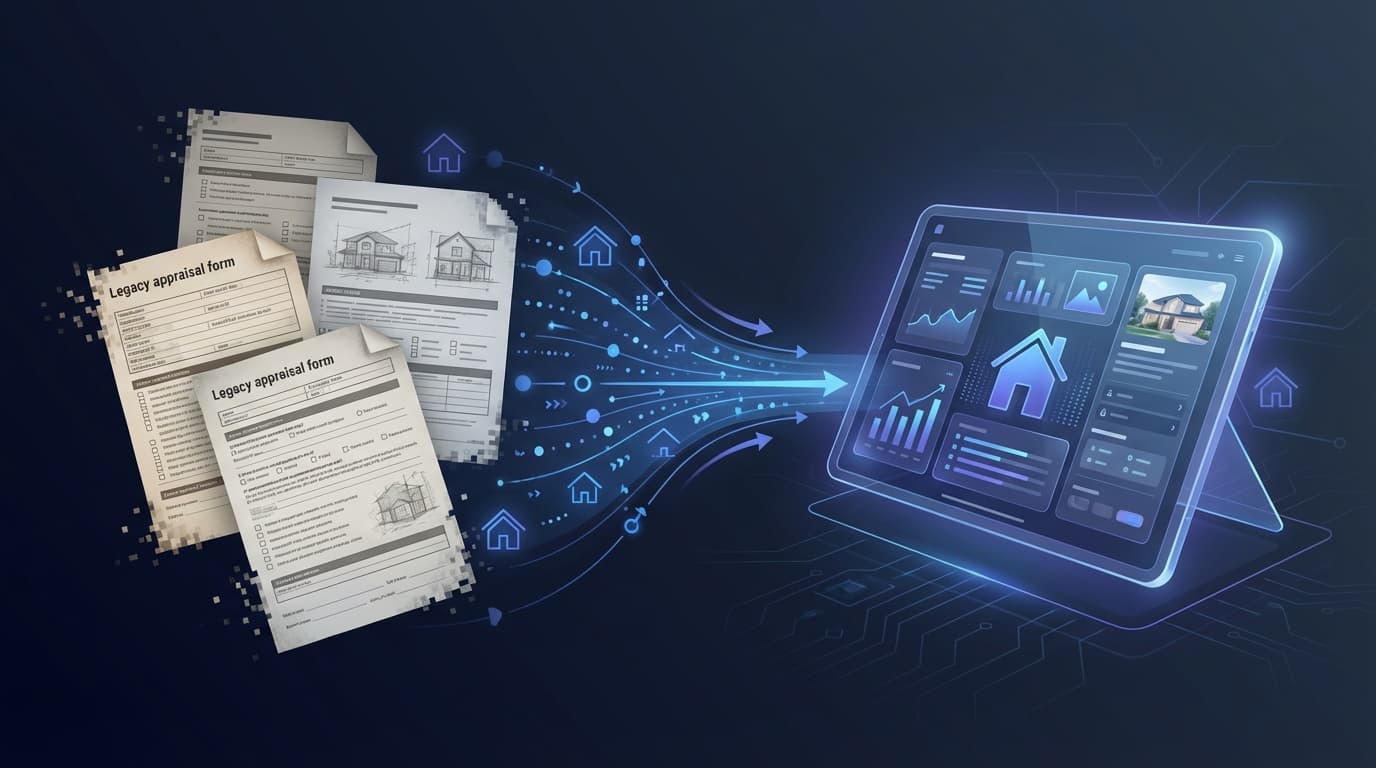
The Old Way vs. the New Way
The old way looks like this: finish the inspection. Drive home. Open the report software. Stare at the blank narrative fields. Type. Delete. Retype. Check the previous report to see how you worded something similar. Copy a phrase. Modify it. Realize it doesn't quite fit this property. Delete again. Start over. Three hours later, the narratives are done. They're adequate. You're exhausted. And you have two more reports due this week.
Every appraiser I talk to has some version of this workflow. Some work from templates they've built over years. Some have a "master report" they copy and modify. But even with templates, the customization for each property takes significant time, and the risk of leaving template language that doesn't apply to this specific property is real.
The new way looks like this: finish the inspection. While driving to the next property (or back to the office), dictate your rough observations into your phone. "Three bed two bath ranch built 1985. Hardwood main living areas. Kitchen updated maybe five to seven years ago, granite counters, stainless appliances. Roof replaced 2019 per homeowner. Neighborhood is stable, mostly owner-occupied, close to schools. Market is steady, average DOM about 30 days."
The AI takes those rough notes and structures them into a polished narrative addressing the specific UAD 3.6 section requirements. Neighborhood analysis. Site description. Improvements commentary. Market conditions. Each section formatted separately, using the terminology and structure the report requires.
You review the draft. Change a phrase. Add a detail the AI missed because you didn't mention it in your notes. Adjust the market conditions commentary to reflect your specific professional assessment.
Same quality. Same professional judgment. No blank-screen typing.
The 13 Narrative Sections Under UAD 3.6
UAD 3.6 requires narrative commentary in these sections. Each one is a candidate for the AI-assisted workflow:
Neighborhood analysis and market conditions. Site description and characteristics. Exterior description and condition. Interior description and condition. Energy efficiency and green features. Disaster mitigation features. Improvements analysis. Comparable selection reasoning. Adjustment support and methodology. Reconciliation and final value opinion. Scope of work description. Assumptions and limiting conditions. Additional properties analyzed but not used.
Under the old forms, you might have addressed half of these in a general comments section. Under UAD 3.6, each is a distinct narrative field with specific expectations. Writing all 13 from scratch, from a blank screen, for every report, is the time cost that's going to push appraiser work hours up significantly.
The AI-assisted approach addresses every section from your rough notes, using the UAD 3.6 terminology and structure. You review and approve per section, ensuring your professional voice and judgment are present in every paragraph. The AI does the structuring and formatting. You do the thinking and verifying.
What "Review and Approve" Actually Looks Like
I want to be specific about this because the USPAP implications matter.
The AI draft is a starting point, not a finished product. When I say "review," I mean you read every sentence. You check that the facts match your inspection findings. You verify that the market commentary reflects your professional assessment, not a generic description. You adjust language to match your voice. You add anything the AI missed because your rough notes weren't complete.
This isn't "click approve and move on." It's the same review process you'd apply to a draft written by a competent trainee. The trainee writes quickly but doesn't have your 20 years of market knowledge. You provide the expertise that turns a good draft into a defensible report.
One appraiser using AI narrative tools described the workflow: "I use this draft as a starting point, allowing me to focus more on the final analysis and interpretation of the data." That's exactly right. The AI handles the blank-screen problem. You handle the professional judgment problem.
The review step is also what keeps you USPAP-compliant. The Appraisal Standards Board is clear: AI-drafted content must be verified and edited by the appraiser before inclusion. You review, you certify, you sign. (Full USPAP and AI breakdown in AI for Appraisers.)
The Time Math
Consider how often you write these sections. At 15 reports per month, every narrative you don't start from a blank screen adds up.
That's time you're currently spending at your kitchen table after dinner, typing paragraphs you've written variations of hundreds of times. The actual savings will depend on your workflow, your review thoroughness, and how detailed your dictated notes are. But the direction is clear: rough notes in, structured draft out, review and refine.
The recovered time could go toward the 90-Day Plan to build private clients, UAD 3.6 preparation, or simply going home at a reasonable hour.
What About My Data? PII Redaction and Data Minimization
Before we get to Smart Copy, there's a question every appraiser raises the first time they hear "AI writes the narrative": what happens to the borrower's information?
The honest answer is that this is a legitimate concern, and it's why Appraiser Machine routes every AI narrative request through a PII-redaction layer before it ever reaches the language model. Borrower names, contact info, account numbers, and other personally identifiable data are stripped or tokenized on the way to the model, and re-inserted into the final draft on the way back. The AI sees the property characteristics and your rough observations — not the borrower's identity.
This is part of the broader data-minimization posture that shipped in April 2026: only the minimum data required to generate a narrative is sent to the AI provider, nothing is used to train third-party models, and every AI call is logged to an audit trail you (and your admins) can review. If you ever need to explain to an AMC or a compliance reviewer exactly what left your system and when, the answer is sitting in the audit export.
You're still the responsible party under USPAP. But you're not handing a borrower's file to a chatbot either.
Smart Copy: The Last Mile Problem
Here's a detail that matters more than you'd think. Different report software requires different formatting. TOTAL handles text differently than SFREP. Pasting a narrative from one source into your report software and having it look wrong - weird spacing, missing line breaks, formatting artifacts - is the kind of friction that makes appraisers give up on tools after one try.
This is why the AI narrative feature in Appraiser Machine includes Smart Copy - output formatted specifically for your report software. Select TOTAL, and the narrative copies in TOTAL's expected format. Select SFREP, and it adjusts. Select plain text for anything else. One click, correctly formatted, paste directly into your report.
It sounds like a small thing. In practice, it's the difference between a workflow that feels seamless and one that creates a new problem every time you use it.
The Quality Question
The natural concern: does AI-written narrative compromise the quality of my reports?
The honest answer: it depends entirely on the review step.
If you use AI to generate a narrative and paste it into your report without reading it, quality will suffer. The AI can produce factual errors, generic descriptions that don't match the specific property, and market commentary based on training data rather than your local knowledge. (The ChatGPT factual error example is a real cautionary tale.)
If you use AI to generate a draft and then review, edit, and refine it using your professional judgment, you get a different starting point. The AI doesn't skip sections. It addresses every required field. It structures the narrative in compliance with the report format requirements. And you — the expert — catch anything it got wrong and add the specificity that only comes from being at the property.
The appraisers I work with who report the highest satisfaction with AI narrative tools are the ones who treat it exactly like they'd treat a trainee's draft: useful starting point, needs professional editing, dramatically faster than starting from scratch.
Start Here
If you've never used AI for narrative writing, try this before your next report:
After your next inspection, open the notes app on your phone and dictate your observations for 2 minutes. Just talk. Describe what you saw. Don't worry about structure or terminology.
Then paste those notes into ChatGPT or Claude and ask: "Structure these inspection observations into a neighborhood analysis section for a residential appraisal report."
Look at what comes back. It won't be perfect. Some of it will be generic. Some of it will miss details. But you'll see the bones of a usable draft, one you didn't have to write from scratch.
That's the starting point. The purpose-built version of this workflow - with UAD terminology support, Smart Copy formatting, and per-section review controls - is what Appraiser Machine's AI Narrative Generator does. But even the basic experiment above will show you why appraisers who've tried it don't go back to blank-screen writing.
Related Articles:

Jon Barrett
Jon Barrett is the founder of Appraiser Machine and has spent over a decade working with independent appraisers. He's built 300+ appraiser websites, co-led a national appraiser mastermind group, and talked with hundreds of appraisers about what's actually working in their practices. He built Appraiser Machine because the operations side of running an appraisal practice was still stuck in spreadsheets and duct tape - and appraisers deserved better.