
How UAD 3.6 Changes Appraisal Reports
You've been filling out the same form for 15 years. You know where every field is. You can practically do a 1004 with your eyes closed - GLA here, condition rating there, neighborhood description in the box on page two.
That's all gone.
I don't mean the work of appraising has changed. You're still driving to properties, inspecting rooms, pulling comps, and forming opinions of value. That part is exactly the same. But the form you put it all into? The layout you've memorized? The muscle memory you've built over a decade and a half?
That stops working the moment you open your first UAD 3.6 report.
I've already covered the big picture in What Is UAD 3.6?. This article is about what actually changes when you sit down on a Tuesday morning and start writing. The specifics. The fields. The workflow shifts you'll feel on day one.
The Form Is Gone. Here's What Replaced It.
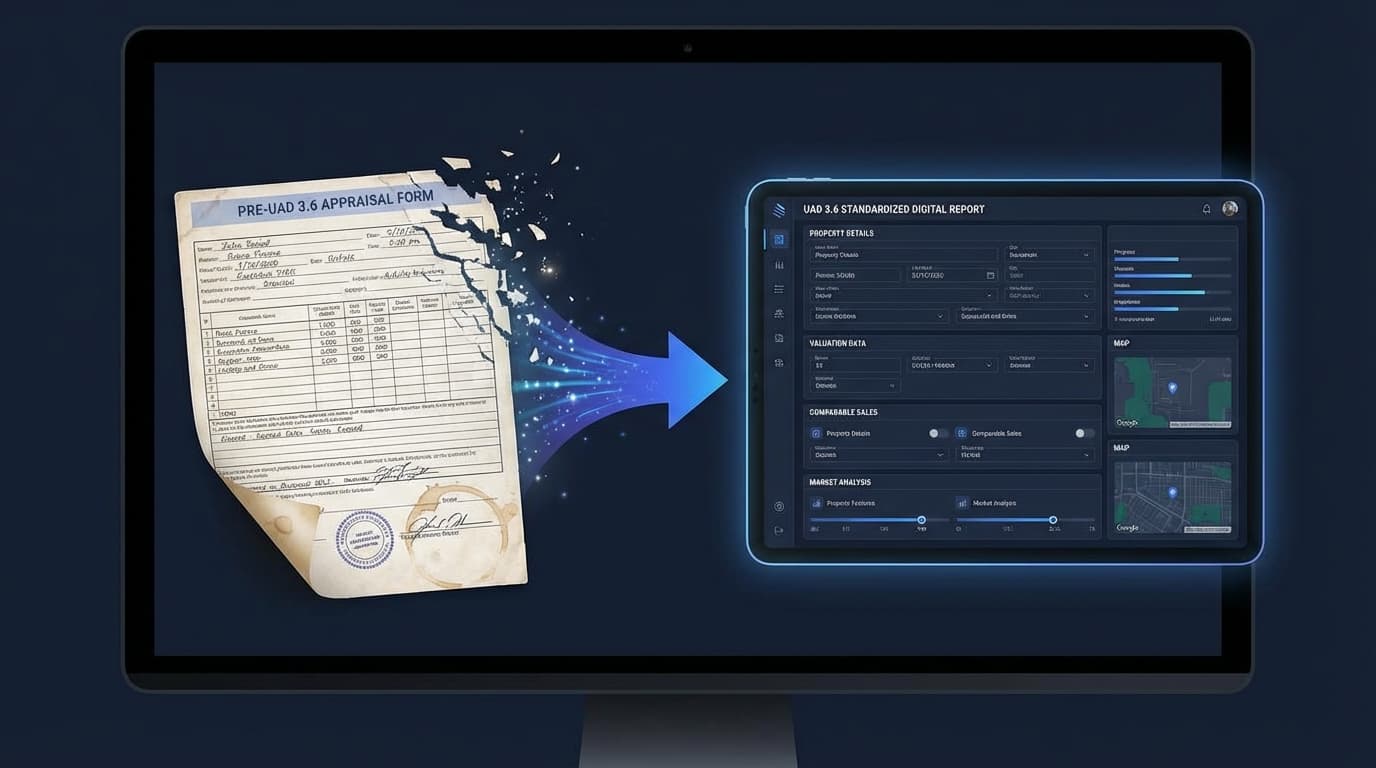
There is no 1004 anymore. No 1073. No 2055. All of them get replaced by a single dynamic report that reorganizes itself based on the property and the assignment.
What that means practically: you don't choose a form. You describe the property - single-family, condo, 2-4 unit - and select the scope of work, and the report structure adapts. Sections appear or disappear based on what's relevant.
Your report software handles the layout logic. But the experience of navigating the report is completely different from what you know. Everything related to the site is in the site section. Everything about improvements is in the improvements section. The data is grouped by topic instead of scattered across a multi-page form.
This is actually more logical once you learn it. But "more logical" doesn't help you on day one when you can't find the GLA field and you have a report due Friday.
The fix is simple and I can't stress this enough: open a blank UAD 3.6 report in your software and spend 30 minutes clicking through it before you have a live order. That single step prevents most of the first-day panic. (I covered all the preparation steps in the UAD 3.6 Checklist.)
How Data Entry Actually Changes
This is where it gets concrete.
Under the old system, you'd describe the interior in general terms. "Hardwood floors throughout. Granite counters in kitchen. Ceramic tile in baths. Overall condition average." One paragraph. Done.
Under UAD 3.6, that same information gets broken into structured fields for each room:
Living Room - Flooring Material - Hardwood Kitchen - Flooring Material - Tile Kitchen - Countertop Material - Granite Bathroom 1 - Flooring Material - Ceramic Tile Bathroom 2 - Flooring Material - Vinyl
Every room. Every surface. Selected from defined dropdown values, not typed as narrative.
On top of that, you document dimensions and condition for each room individually. Ceiling height - rounded to the nearest foot - is required for every single room. Not just an overall ceiling height. Every room. (Appraiser eLearning: Key Changes)
This is the change that adds the most time. If you're used to walking through a house and writing a general description afterward, you'll need to adjust. You're now capturing specific data points per room during the inspection, not summarizing later at your desk.
As one appraiser on a Facebook group noted after seeing the new form for the first time - the expanded data requirements had them questioning how anyone could see this as "just a form update." It's a fundamentally different way of documenting property details.
New Sections You Haven't Seen Before
Three entirely new data categories have been added to the report.
Energy efficiency and green features. A dedicated section with structured fields for HVAC type, insulation quality, window performance, solar panels, and renewable energy systems. In markets where energy upgrades are common, this is a meaningful addition. In older housing stock markets, many fields may be "N/A" - but they still need to be addressed. (CSS: UAD 3.6 Changes)
Disaster mitigation. Storm shutters, roof strapping, foundation reinforcement, fire-resistant materials. All captured as structured data, not narrative.
The "Additional Properties Analyzed But Not Used" table. This one is actually useful. For the first time, there's a formal place to document comps you considered but rejected - and why. If you've ever gotten a revision request that amounted to "why didn't you use the sale at 123 Main Street?" this table lets you answer that question before it's asked. Over time, this should reduce revision requests significantly. (Enact MI)
Condition and Quality Ratings Get More Specific
The C1-C6 and Q1-Q6 scale stays. But it splits.
You now rate interior condition and exterior condition separately instead of one overall C rating. Quality ratings get plus/minus modifiers for more granularity - so Q3+ or Q4- instead of just Q3 or Q4.
The updated definitions are published and worth reading closely. (C&Q Rating Definitions PDF)
Here's why this matters beyond compliance: C&Q inconsistencies are one of the most frequent revision triggers. An interior described as "recently updated kitchen and baths" but rated C4 is the kind of disconnect that gets flagged. With separate interior and exterior ratings, the opportunity for inconsistency doubles. Getting the definitions right from the start saves you revision headaches later.
How Narrative Writing Changes
Narratives don't disappear. You're still writing commentary on market conditions, neighborhood analysis, property improvements, and your reconciliation. But the ratio shifts.
Under the old forms, a lot of property description lived in narrative. You'd write paragraphs about the exterior, the interior, the site. Under UAD 3.6, much of that information gets captured as structured data. The narrative sections that remain are more focused - they're about your analysis and observations, not about describing what the data fields already captured.
The practical effect: you'll probably write fewer words total per report, but the words you do write need to be more precise. And you'll spend more time on data entry - selecting values from defined lists instead of writing free-form descriptions.
For the first few reports, this will feel slower. Paradoxically, it gets faster. Once you know the dropdowns, selecting "Hardwood" from a menu is quicker than typing "hardwood floors throughout the main living areas" for the hundredth time. The learning curve front-loads the effort but the payoff comes with repetition.
The Time Impact Is Real (But Temporary)
I'm not going to sugarcoat this. Reports will take longer at first.
Industry estimates put it at 25-50% more time during the learning curve. A report that takes you 5-7 hours now might take 7.5-9 hours for the first several months. (Financial impact analysis)
One appraiser on Reddit put it bluntly: "I get near $650 right now on conventional 1004s. If this new form is going to take 1.5 times longer why aren't we raising fees by that much?" (Reddit)
That's a fair question. And it's one you should be asking your AMCs and lender clients right now, before November - not after you've already completed three reports at the old fee. I wrote more about the fee math in UAD 3.6 and Your Fees: Will You Actually Get Paid More?.
The time increase comes from three sources: learning the new interface, collecting more granular field data, and adjusting to structured data entry. All three get faster with repetition. Most appraisers I talk to expect 3-6 months to reach normal speed.
What Didn't Change
When everything feels unfamiliar, it helps to name what stayed the same.
USPAP hasn't changed. Your professional standards, ethics, and independence protections are identical. The sales comparison approach is still the foundation. Your professional judgment still drives the analysis. Nobody automated your conclusions.
And non-lender work is completely untouched. Estate, divorce, tax appeal, private party appraisals don't use UAD formatting. If you're building that side of your practice, none of this affects it. More on that in UAD 3.6 Doesn't Apply to Your Most Profitable Work.
The Dual-Format Period Is Your Friend
Between now and November 2, 2026, lenders can accept either format. That dual-format window is an underappreciated gift.
It means you can submit your first several UAD 3.6 reports when the stakes are lower. If something goes sideways, UAD 2.6 is still available. You can experiment, make mistakes, and build confidence without risking a deadline.
The appraisers who use this window to practice will have a massive advantage when November hits. The ones who wait will be learning under pressure.
Where AI Fits In
The expanded data requirements - 13 narrative sections, room-level structured data, organized photo packages, split condition and quality ratings - create a lot of repetitive documentation work. That's exactly the kind of work where AI tools earn their keep.
I built Appraiser Machine's AI Report Prep tools to take that repetitive work off your plate. The AI writes section-specific narrative drafts from rough field notes, classifies inspection photos with C&Q suggestions, and pre-populates 35+ property data fields from county records. Every suggestion is something you review and approve - the AI never decides anything for you. The goal is to eliminate the hours of formatting and data entry that sit between your analysis and the finished report.
Related Articles:

Jon Barrett
Jon Barrett is the founder of Appraiser Machine and has spent over a decade working with independent appraisers. He's built 300+ appraiser websites, co-led a national appraiser mastermind group, and talked with hundreds of appraisers about what's actually working in their practices. He built Appraiser Machine because the operations side of running an appraisal practice was still stuck in spreadsheets and duct tape - and appraisers deserved better.