Voice Dictation for Appraisers: How to Work From Your Truck
You just finished an inspection. You're sitting in your truck in the driveway, jotting notes on the back of a printout before you forget the details. Kitchen was updated. Roof looks good. Basement had some moisture staining on the north wall. The hardwood extends into the hallway but the bedrooms are carpet.
By the time you get back to your desk four hours later, half of these observations have faded. Was the moisture staining on the north wall or the east wall? Were the bedroom floors carpet or vinyl plank? You can check your photos, but photos don't capture everything you noticed.
Now imagine a different version. You pull out of the driveway and start talking. "Kitchen updated, granite counters, stainless appliances, looks like five to seven years old. Hardwood through main living areas and hallway. Bedrooms are carpet, fair condition. Basement has moisture staining on north wall near foundation. Roof appears original, composition shingle, homeowner didn't know age. Ceiling height approximately eight feet throughout."
Every observation captured. The AI then structures your field notes into draft narrative sections for your review.
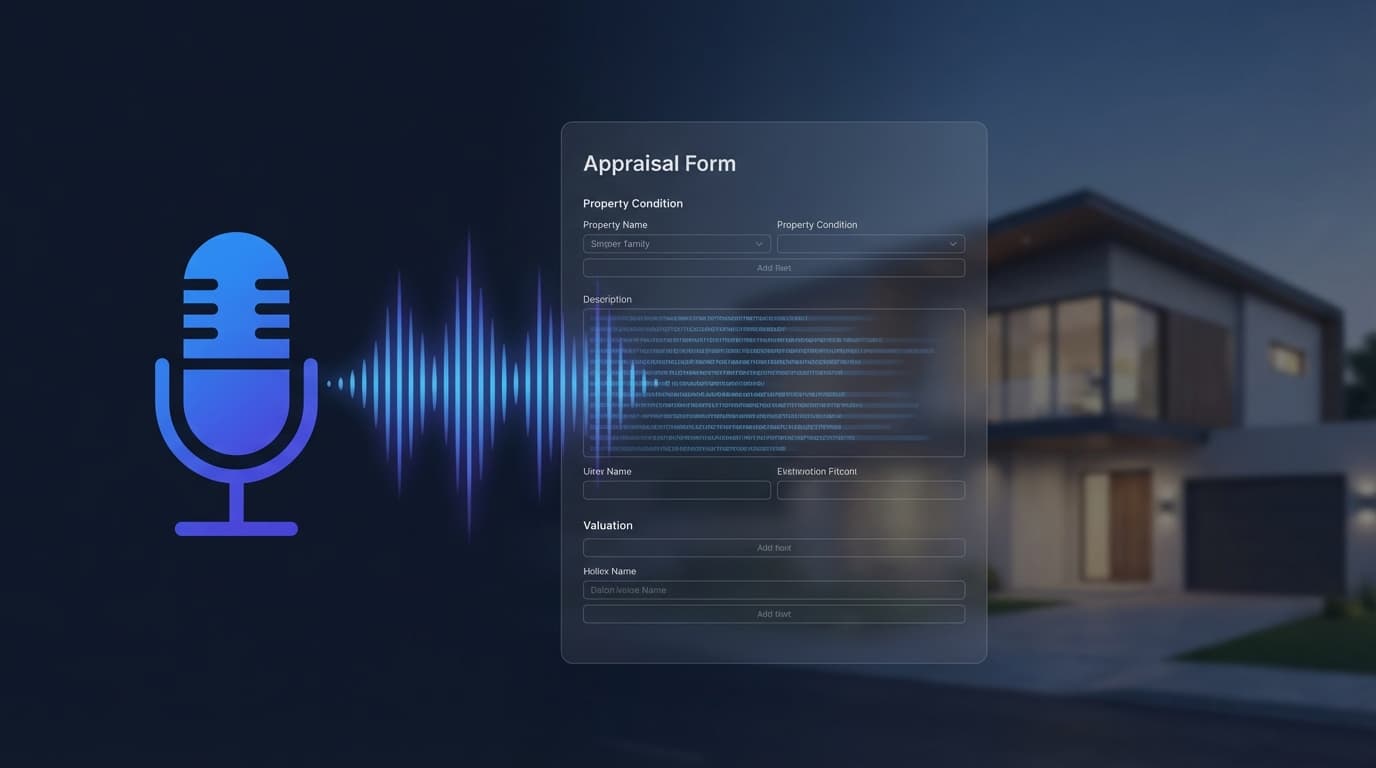
That's what modern voice dictation does for appraisers. Not the old "speak and type" where you had to say "period" and "comma" and hope the microphone understood you. AI-powered dictation that takes natural speech and structures it into the specific sections your report needs.
The Old Way Versus the New Way
Old dictation (TOTAL for Mobile has had basic speech-to-text since 2016) worked like a transcription service. You spoke. It typed what you said. Punctuation was hit or miss. Formatting was nonexistent. You'd end up with a wall of text that still needed to be reorganized, punctuated, and formatted before it was usable in a report.
It was marginally faster than typing on your phone, but the cleanup work often erased the time savings.
New AI dictation is fundamentally different. Modern speech recognition with AI processing (like OpenAI's Whisper) adds punctuation intelligently - no more saying "period" and "comma." More importantly, the AI doesn't just transcribe. It structures. It takes your natural observations and sorts them into the correct report sections.
You say: "Three bed two bath ranch, built 1985, about 1,850 square feet. Neighborhood is mostly owner-occupied, close to the elementary school. Market is steady, DOM around 30 days. Interior is in average condition, kitchen updated five to seven years ago, baths are original."
The AI parses that into separate structured sections: property description (3BR/2BA ranch, 1985, 1,850 sf), neighborhood analysis (owner-occupied, school proximity), market conditions (steady, 30-day DOM), and interior condition (average, kitchen updated, original baths).
You go from a stream-of-consciousness recording to organized draft narratives ready for review. No re-typing. No reorganizing. No starting from a blank screen.
The Field-to-Report Pipeline
Here's how the full workflow connects, from your truck to your finished report:
Step 1: Dictate after the inspection. While driving to the next property, speak your observations naturally. Cover what you saw, what stood out, what's different from what the county records showed. Talking it through captures more detail than most appraisers write in their paper notes.
Step 2: AI structures the notes into report sections. The system parses your observations into the UAD 3.6 narrative sections - neighborhood, site, exterior, interior, energy features, market conditions, and more. Each section gets its own draft.
Step 3: Review and refine at your desk. When you sit down to write the report, the draft narratives are already waiting. You read each section. Adjust anything you'd say differently. Add the professional analysis that goes beyond observation - your opinion of the impact, your market expertise, your value judgment. You edit instead of writing from scratch.
Step 4: Smart Copy into your report software. The finished narratives get formatted for TOTAL, SFREP, or plain text. Paste directly into the appropriate report fields. Done.
Instead of writing it all at your desk, you dictate on the drive and review at your desk. Your observations are captured at their freshest - immediately after the inspection, when every detail is vivid.
Beyond Field Notes: Voice as a Business Tool
Dictating field observations is the obvious use case. But voice input works for any situation where you're thinking about your business and your hands aren't available.
"Which orders are overdue?" Instead of pulling up your laptop and navigating to your dashboard, ask the question out loud. Get the answer spoken back.
"How much did I bill last month?" Same thing. A question that would normally require opening a spreadsheet or dashboard is one spoken question with voice.
"What's my average turn time for AMC work versus private work?" The kind of question most appraisers never answer because the data isn't accessible. With voice access to your practice data, the answer is immediate.
This is how the Voice Assistant works inside Appraiser Machine - two modes. Dictation mode for field notes and observations that feed into the AI narrative workflow. And business query mode where you ask questions about your practice and get answers from your own data. Both work on your phone, from your truck, hands-free.
The Safety Factor
This is practical, not just convenient. Appraisers spend significant time in their vehicles. Looking at your phone to type notes - even while parked - takes your attention off your surroundings. Voice input means eyes up, hands on the wheel (or at your side while parked), and observations flowing without the physical act of typing.
Between inspections, in a parking lot, during the drive home - voice dictation captures your professional observations in the moment they're freshest, without requiring you to stop, type, and re-engage with driving.
Try It Today (Without Any Special Software)
You don't need Appraiser Machine or any specific tool to test this workflow. After your next inspection, open the voice recorder on your phone and talk for 2 minutes about what you observed. Then paste the transcription into ChatGPT or Claude and ask it to structure your observations into a neighborhood analysis, interior description, and market conditions section.
The output won't be perfect. It will be a usable draft that's better than a blank screen and faster than typing from scratch.
That basic experiment shows the concept. The purpose-built version - with UAD terminology support, Smart Copy formatting, and integration with your order data - is what the Voice Assistant inside Appraiser Machine was designed to deliver. But the experiment costs you nothing and takes five minutes. Start there.
Related Articles:

Jon Barrett
Jon Barrett is the founder of Appraiser Machine and has spent over a decade working with independent appraisers. He's built 300+ appraiser websites, co-led a national appraiser mastermind group, and talked with hundreds of appraisers about what's actually working in their practices. He built Appraiser Machine because the operations side of running an appraisal practice was still stuck in spreadsheets and duct tape - and appraisers deserved better.