Switching from Anow: What to Expect and How to Migrate
You've been using Anow for a while. Maybe a year. Maybe several years. You've got orders in there. Client records. Invoice history. Your workflow is built around it, even if that workflow frustrates you more than it helps.
And now you're thinking about switching. But the thought of migrating - exporting data, setting up a new system, learning new workflows, potentially losing historical records - feels like more hassle than Anow is worth escaping.
That fear is why most appraisers stay with software that doesn't serve them well. Not because they're satisfied. Because switching sounds like a bigger problem than the one they already have.
Here's the reality: the migration is simpler than you think. And the gap between what you're using now and what you could be using is wider than the inconvenience of switching.
The Sunk Cost Trap
Before we get to the mechanics, let's address the psychological barrier.
You've invested time learning Anow. You've entered data. You've built workflows around its limitations. Walking away from that investment feels like waste.
But the time you've already spent is gone regardless of what you do next. The relevant question isn't "how much have I invested in Anow?" It's "is the tool I'm using today the best tool for the next 12 months of my practice?"
If the answer is yes - stay. If the answer is no - the data you've built is portable, and every day you stay with a tool that frustrates you is a day of productivity you're not getting back.
What Transfers (And How)
The three things appraisers worry about losing in a migration: orders, clients, and financial records. All three transfer.
Client records. Export your client list from Anow as a CSV file. Names, addresses, phone numbers, email addresses, fee agreements - everything in the client record. Import that CSV into Appraiser Machine. The import maps fields automatically.
Order history. Same process. Export your orders as CSV. Property addresses, order types, fees, dates, statuses - all portable. Import into AM. Your historical orders are searchable and connected to the correct clients.
Invoice and payment history. Export from Anow, import into AM. If you're using QuickBooks, your financial records remain intact in QuickBooks regardless of which practice management system you use - so there's no risk to your accounting data.
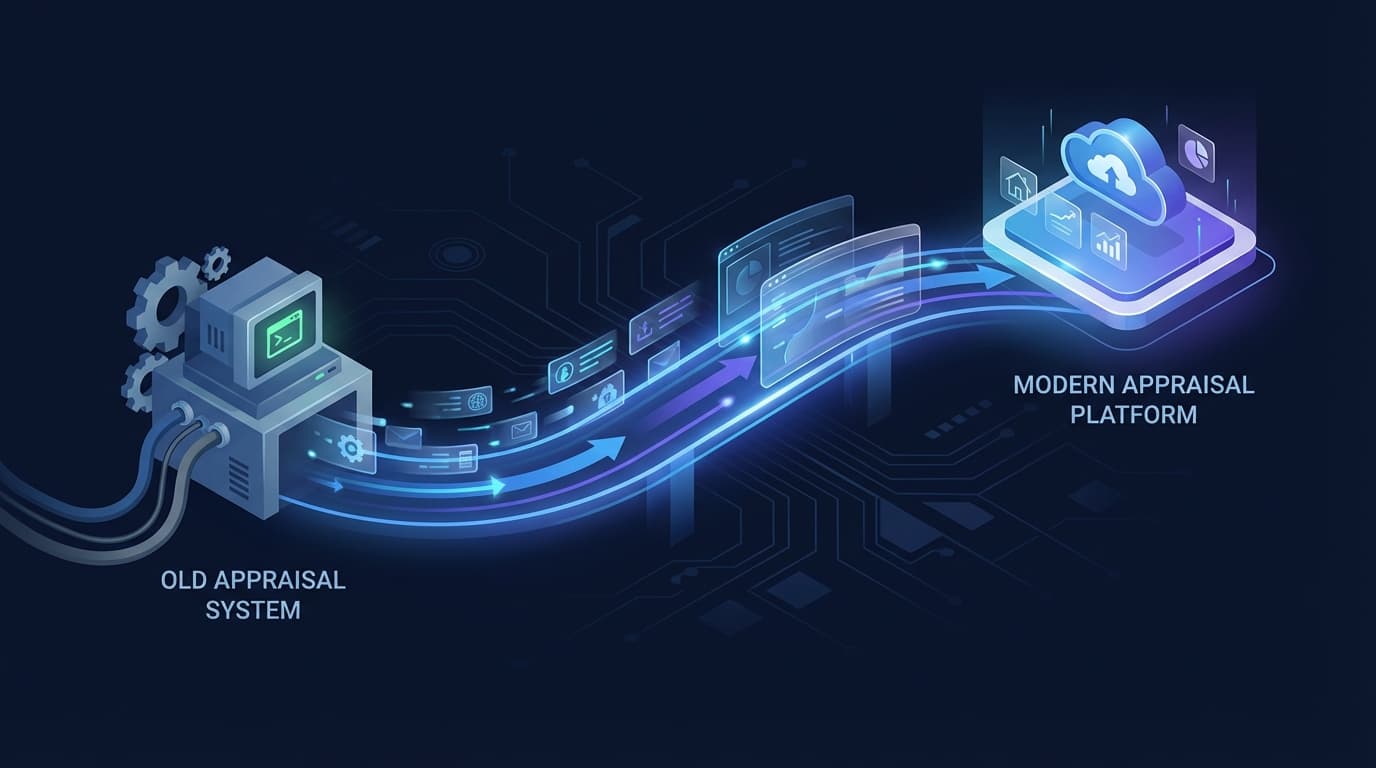
The Three-Step Migration Process
Step 1: Export from Anow. Log into Anow. Export your client list, order history, and any other data you want to keep. Save as CSV files.
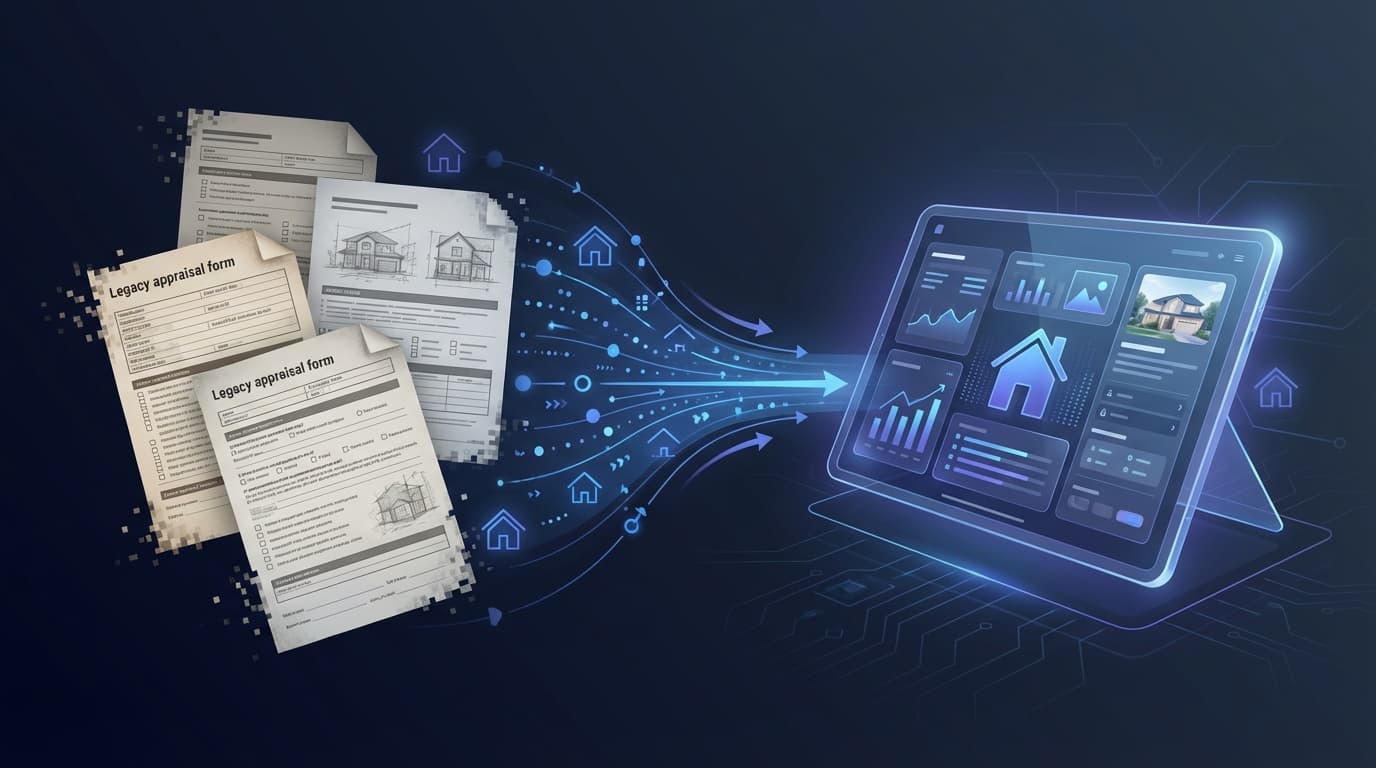
Step 2: Import into Appraiser Machine. Start your AM trial. Use the CSV import tool to bring in clients and orders. The system maps common field names automatically (name, address, phone, email, fee). Review the mapping, confirm, and import.
Step 3: Set up your workflow. Configure your preferences: fee schedules, service areas, notification settings, QuickBooks connection (if applicable), Google review automation settings, and route optimizer preferences. This is the part that takes the most time - not because it's complicated, but because you're setting up features that didn't exist in your previous system.
That's it. By the end of the afternoon, your data is migrated, your new system is configured, and you can start using AM for new orders while your historical data is searchable in the same system.
The Overlap Strategy (For People Who Don't Want to Jump)
If the idea of switching cold makes you nervous, don't. Run both systems simultaneously for 21 days.
Import your data into AM on day one. For the next three weeks, enter new orders in both systems. Use Anow for your existing workflow. Use AM to test the new features - route optimization, AI narratives, mileage tracking, invoicing.
After 21 days, you'll know which system you want to use. Not from a comparison article. From direct experience with your own practice data.
If AM isn't the right fit, you've lost nothing - your Anow account is untouched and your data is right where you left it. If AM is the right fit, you've already been using it for three weeks and the transition is behind you.
What You Gain Immediately
The day you start using AM, these features are available - none of which exist in Anow:
AI Report Prep. Dictate rough field notes. AI structures them into UAD 3.6 narrative sections. Review, edit, approve. (Full workflow here.)
Route Optimization. Import your day's inspections. One click finds the fastest route with live traffic. Every mile logged automatically at $0.725/mile for tax deductions. (Route planning details.)
Instant Quote Form. Branded to your practice. Embed on your website. Clients see your pricing, submit a request, and pay online. You wake up to paid orders instead of voicemails.
Automated Google Review Requests. When you mark an order delivered, the client gets a professional follow-up with your Google review link. Reviews accumulate automatically. (Review strategy here.)
QC Dashboard. 143-item residential + 65-item commercial Pre-Submit QC checklist with AI Contradiction Detection and AI Revision Analyzer. Catches the inconsistencies and omissions that trigger revision requests before you hit submit. (Full QC system here.)
QuickBooks Integration. Invoices sync bidirectionally. Enter data once. Your books stay clean. (Integration details.)
These aren't future features. They're available the day you import your data.
Common Questions
"Will I lose my Anow data if I switch?" No. Exporting your data from Anow doesn't delete it from Anow. Your Anow account remains active and intact until you choose to cancel it. You can run both systems simultaneously for as long as you want.
"What if I have active orders in Anow?" Finish them in Anow. Start new orders in AM. There's no reason to migrate mid-order. Let your current orders complete in the current system and begin new work in the new one.
"Is there a setup fee?" No. AM is month-to-month with no setup fees and no contracts. If you want concierge setup assistance (we import your data and configure the system for you), that's available as a paid option, but it's not required.
"What about my team? Do I have to migrate everyone at once?" If you're on a team plan, you can start with yourself and add team members as you're comfortable. The system supports a gradual rollout - you don't have to switch the entire firm in one day.
"What if AM doesn't work out?" Your Anow account is still there. Your exported data is still there. You've risked nothing except the afternoon it took to try.
The Decision Framework
Switching practice management software isn't a casual decision. It affects your daily workflow, your team's workflow, and your operational efficiency for months to come.
Here's the framework I'd suggest:
If Anow is working well for you and you're satisfied with its features, stay. No tool is worth switching to if the one you have is genuinely serving your needs.
If you're frustrated but functional, try the overlap strategy. Run both for 21 days. Let your experience decide.
If you're actively losing time, money, or sanity to limitations you've been tolerating, the cost of staying is higher than the cost of switching. The migration takes an afternoon. The daily frustration lasts until you change it.
For the full feature comparison, see Anow vs. Appraiser Machine.
Related Articles:

Jon Barrett
Jon Barrett is the founder of Appraiser Machine and has spent over a decade working with independent appraisers. He's built 300+ appraiser websites, co-led a national appraiser mastermind group, and talked with hundreds of appraisers about what's actually working in their practices. He built Appraiser Machine because the operations side of running an appraisal practice was still stuck in spreadsheets and duct tape - and appraisers deserved better.