Your Appraisers Are Building Their Own Tools. How to Keep One Picture of the Business
Here's what I keep hearing from firm owners lately. One of your appraisers built a bid tracker with an AI assistant. Another has a script that pulls comps into a spreadsheet the way she likes them. A third keeps his own client list because "it's faster."
None of that is a problem on its own. Your people are curious, they're good at their jobs, and they're finding ways to work faster. That's the kind of appraiser you want on your team.
The problem shows up when you sit down to answer a simple question about your own firm. How many bids did we win last month? Which clients are growing? What's in the pipeline for next week? The answer is spread across four tools, three of which you've never opened, and none of which talk to each other or to your main client and order history.
Here's a hypothetical. Say you have four appraisers and each keeps their own bid list. Thirty bids go out in a month. To find out how many you won, you're asking four people and adding up four spreadsheets. And the one who's out on an inspection isn't answering.
That's the real cost of everyone building their own thing. Not the tools. The lost picture.
Two Kinds of Tools
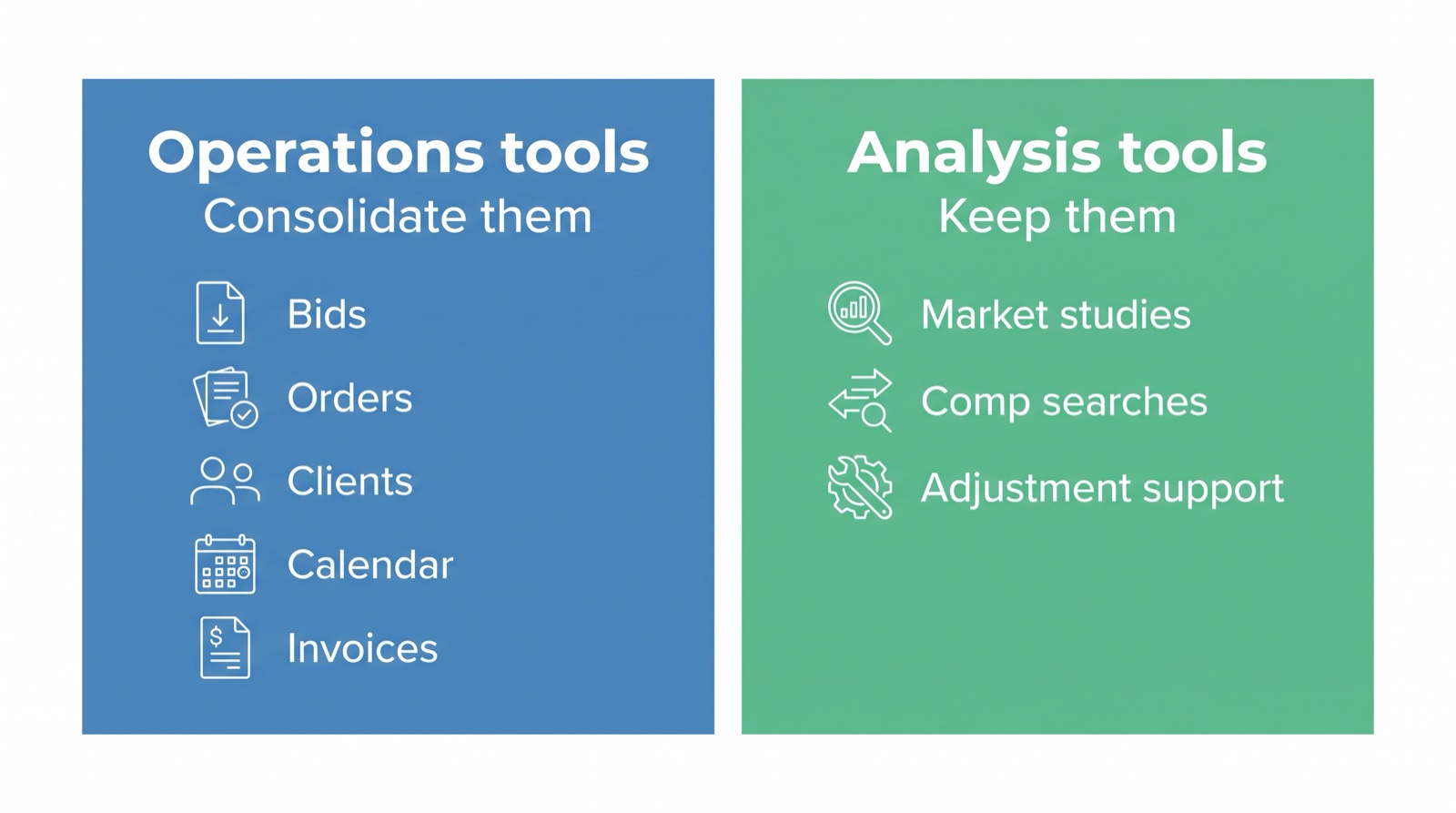
When I look at what appraisers are building, the tools fall into two groups. Sorting them is the whole job.
Operations tools run the business. Bid trackers. Order lists. Client lists. Calendars. Invoice trackers. These are the tools that hold the firm's shared record: who the client is, what they ordered, what we quoted, when it's due, whether it's been paid.
Analysis tools do the appraisal work. Market studies. Comp searches. Adjustment support. Whatever your appraiser built to think through a property faster. These are personal. They reflect how that appraiser works, and they're often the best thing on their desktop.
The two groups need different answers.
Operations Tools: Consolidate Them
When three people keep three client lists, you don't have a client list. You have three partial ones that disagree.
Operations tools are where a firm needs one source of truth, and that's the part Appraiser Machine is built to run. If your appraisers are rebuilding these, it's usually because they didn't know the firm already had them, or because the old way was painful enough that building something felt easier.
Here's what's already in Appraiser Machine:
- Bids. A bid pipeline where you can counter, accept or decline. Accepting a bid turns it into an order, so the bid and the work stay connected. The Bids page also shows win rate by client and by report type to the people you give analytics access. (More on tracking bids and which clients are worth it.)
- Orders. One order list for the whole firm.
- Clients. Each client has a record with tabs for their orders, messages, expenses, notes and tags. When someone asks "what's our history with this lender," the answer is in one place.
- Calendar. One calendar for the firm's schedule.
- Invoices. Invoicing in the same system as the orders.
So the conversation with your appraiser who built the bid tracker isn't "stop." It's "we already have this, and when it's in the shared system, the whole firm benefits from your bids, including you." Their bids now count in the firm's numbers instead of living in one spreadsheet.
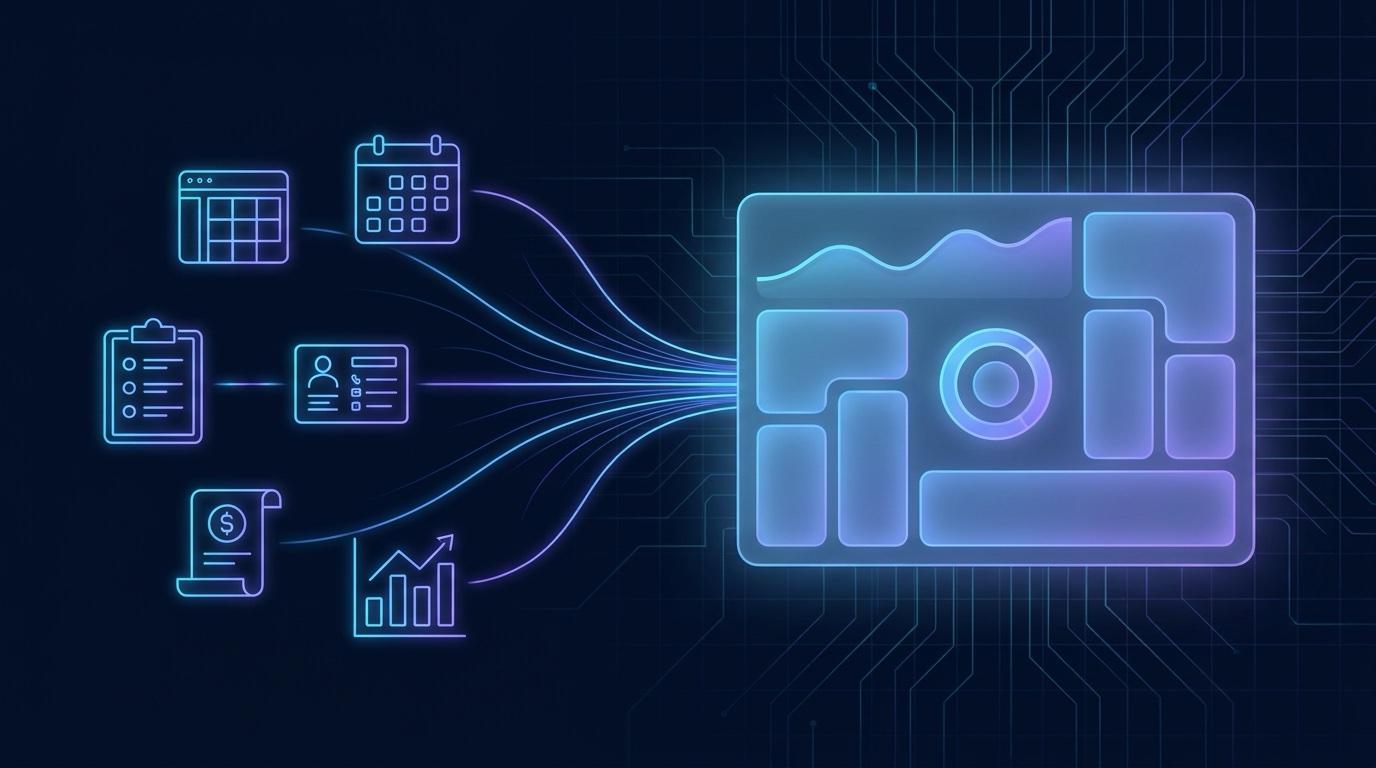
That's how you get the picture back. Every bid, order and client in one database.
Analysis Tools: Keep Them
This is where I'd encourage you to leave your appraisers alone.
If someone on your team built a tool that helps them read a market or support an adjustment, that's their craft. Asking them to give it up to fit a system would cost you good work. Keep building.
What helps here is making sure those tools work from the same order record as everyone else, instead of a copy someone typed in by hand. There are two clean ways to do that:
- A connection the account admin sets up. Appraiser Machine has an API and signed webhooks for order events. The admin creates the key, decides what it can do, and runs the connection. Our Build Alongside Appraiser Machine page lists what a connected tool can read and write, and the order events it can listen for.
- An export. An account admin can export records as CSV or JSON.
Either way, the analysis stays with the appraiser and the business record stays in one place.
Who Sees What
Consolidating doesn't mean everyone sees everything.
In Appraiser Machine, each person on the team gets access by area, such as orders, clients, invoices, analytics, payroll and settings. Each area can be No Access or Full Access, and areas such as orders, clients, invoices and analytics also offer View Only. There's a ready-made preset for a bookkeeper, for example, who needs full access to invoices and payroll but only a view of orders and clients.
So your appraisers can have exactly what they need to do their work, your bookkeeper can have what they need to do theirs, and the firm-level numbers stay with the people you choose. Deactivating a person blocks their sign-in.
The Owner Holds the Keys
When a tool connects to the firm's data, someone has to hold the key. In a firm, that should be you or the person you've made account admin.
Here's how those connections work in Appraiser Machine. The technical name is an API key, but think of it as a key to the office that only works on the doors you choose:
- Only an account admin can create one.
- Each key has a set list of what it's allowed to do.
- Each key shows when it was last used.
- Any key can be revoked, and a revoked key stops working.
- Keys expire after a year by default.
- A key stops working if the admin who created it is deactivated or is no longer an admin.
An API key belongs to the company, which is why connections are set up and run by the account admin. When an appraiser has a tool that would benefit from order data, the admin sets up that connection on the firm's behalf. You stay in charge of what touches your business record, and your appraiser still gets to build.
The Picture You Get Back
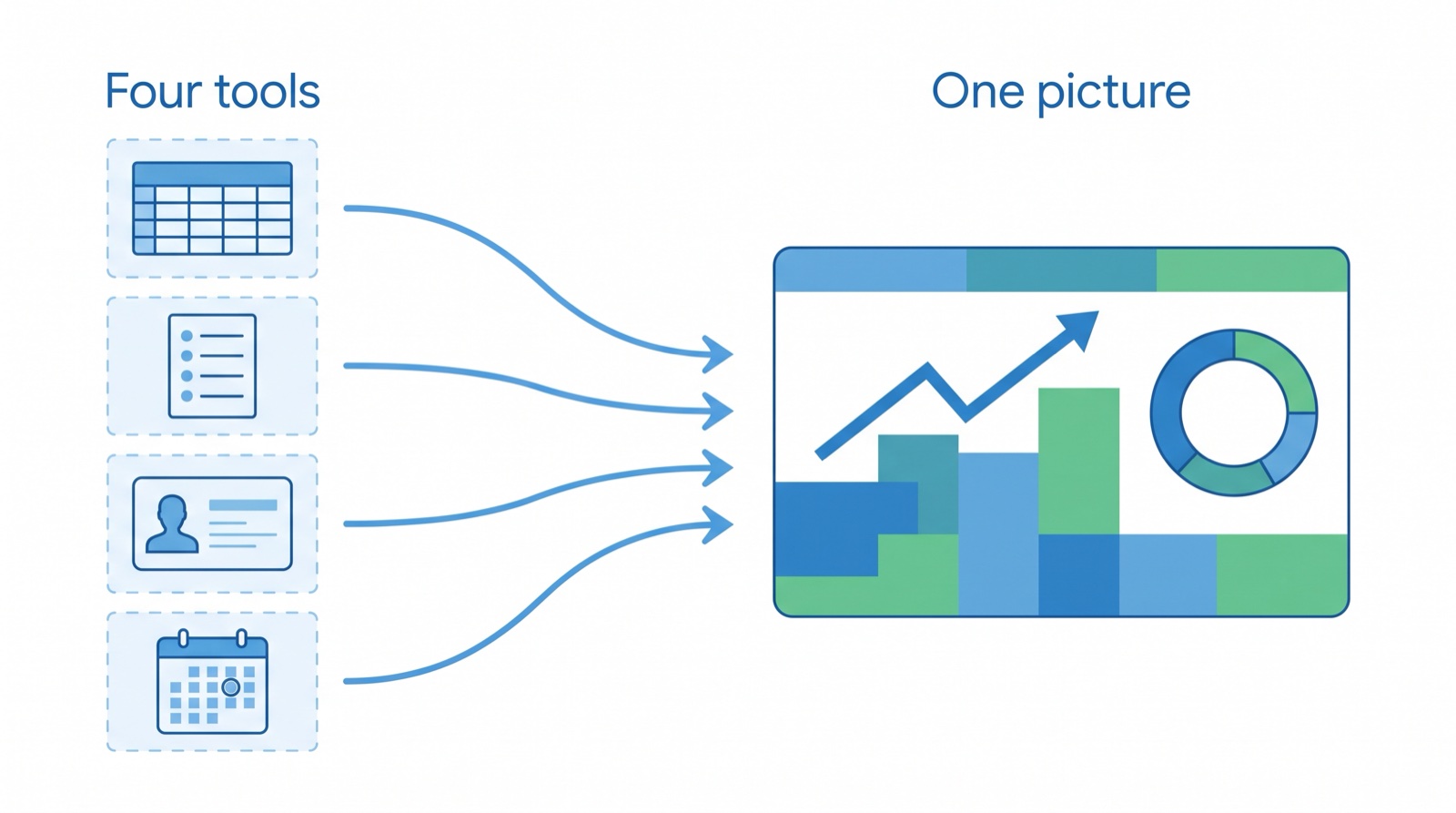
Once the operations side lives in one system, the overview stops being a project. It's a page.
The Analytics page in Appraiser Machine shows your revenue trend, order status, top clients, report-type mix, lead sources, bid metrics and progress toward your goals. You decide who can see it through each person's Analytics access.
That's the question from the top of this post, answered in one place. How many bids did we win? Which clients are growing? What's coming up? You're not opening four tools to find out.
Where to Start
If your appraisers are building their own tools, here's a short way to handle it:
- List what's out there. Ask each person what they've built or use. Make it a friendly conversation, not an audit.
- Sort each tool. Is it running the business (bids, orders, clients, calendar, invoices) or doing the analysis?
- Move the operations data in. Bring bids, clients and orders into the one shared system so the firm has one record.
- Keep the analysis tools. If one needs order data, have the account admin set up the connection or an export.
- Set access by role. Give each person the areas they need, and decide who sees the firm's numbers.
Your appraisers building tools is a good sign. It means you hired people who want to get better at the work. Your job is to make sure all that effort adds up to one firm with one picture, instead of a handful of side projects nobody else can see.
If you're working through how to run a growing team, the guide to managing a small appraisal team covers assignments, QC and turn times. And if your own setup has turned into a pile of separate tools, the Duct Tape Stack post is a good place to start.
Common Questions
"Should I stop my appraisers from building their own tools?" No. Sort the tools first. Tools that run the business, like bid tracking, order lists, client lists, calendars and invoicing, belong in the one system the whole firm uses, so every order and client lives in one place. Tools that do the analysis, like market studies, comp work and adjustment support, are the appraiser's craft. Keep those, and connect them to the firm's order data through a connection the account admin sets up.
"Who should control the connections my team's tools use?" You, or the person you've made account admin. In Appraiser Machine, only an account admin can set up a connection for an outside tool. Each connection can do only what you allow, shows when it was last used, and can be turned off at any time.
Related Articles:

Jon Barrett
Jon Barrett is the founder of Appraiser Machine and has spent over a decade working with independent appraisers. He's built 300+ appraiser websites, co-led a national appraiser mastermind group, and talked with hundreds of appraisers about what's actually working in their practices. He built Appraiser Machine because the operations side of running an appraisal practice was still stuck in spreadsheets and duct tape - and appraisers deserved better.