Appraiser 1099 Headaches: Stop Scrambling Every January
It's January 28th. 1099s are due on the 31st. You're sitting at your kitchen table with a stack of bank statements, a QuickBooks screen, and a growing sense of dread.
You paid three contract appraisers last year. You know roughly what you paid each one. But "roughly" isn't good enough for the IRS. You need exact totals. And the records are scattered across Zelle transfers, checks, QuickBooks entries that may or may not be categorized correctly, and a Venmo payment in July that you're not sure you recorded anywhere.
Sound familiar?
I hear this exact story from appraisers every January. The ones with contractors have some version of the 1099 scramble: three days of reconstructing payment records that should have been tracked all year. The deadline passes, penalties accumulate, and the appraiser swears this is the year they'll fix their tracking system. By March, the new system is abandoned and next January plays out the same way.
The problem isn't discipline. It's infrastructure. Most appraisers don't have a system designed for how they actually pay contractors.
As one appraiser on AppraisersForum put it during a January discussion: "Every year I tell myself I'll track it better. Every year I'm digging through Zelle and my bank statements on January 27th." The thread had dozens of similar replies. It's the shared secret of every appraiser who uses contractors.
The Problem in Plain Terms
If you pay a contractor $600 or more in a calendar year, you must file a 1099-NEC with the IRS and furnish a copy to the contractor by January 31st. Late filing results in penalties ranging from $60-$330 per form depending on how late you file. Intentional disregard bumps that to $660 per form.
For an appraiser with 2-3 contractors, the penalty exposure for missing the deadline is $180-$990. Not catastrophic, but entirely avoidable.
The bigger issue isn't the penalties. It's the time. Every January, you're spending 4-8 hours reconstructing a year's worth of payments instead of doing productive work. Hours you could have spent on inspections, report writing, or not sitting at your kitchen table with bank statements.
Why Appraiser Payment Tracking Is Uniquely Messy
Appraisers who use contractors don't pay them like a normal employer pays employees. There's no payroll service. There's no regular pay period. Payments happen when the work is done - which means irregular amounts at irregular intervals throughout the year.
A typical pattern: you assign an inspection to a contractor appraiser. They complete it. You pay them $200 via Zelle. Two weeks later, another assignment. Another $200. Next month, three assignments. You Venmo one and write a check for the other two. In July, you switch to paying through your business checking account for better record-keeping. In September, the contractor asks to be paid through a different method.
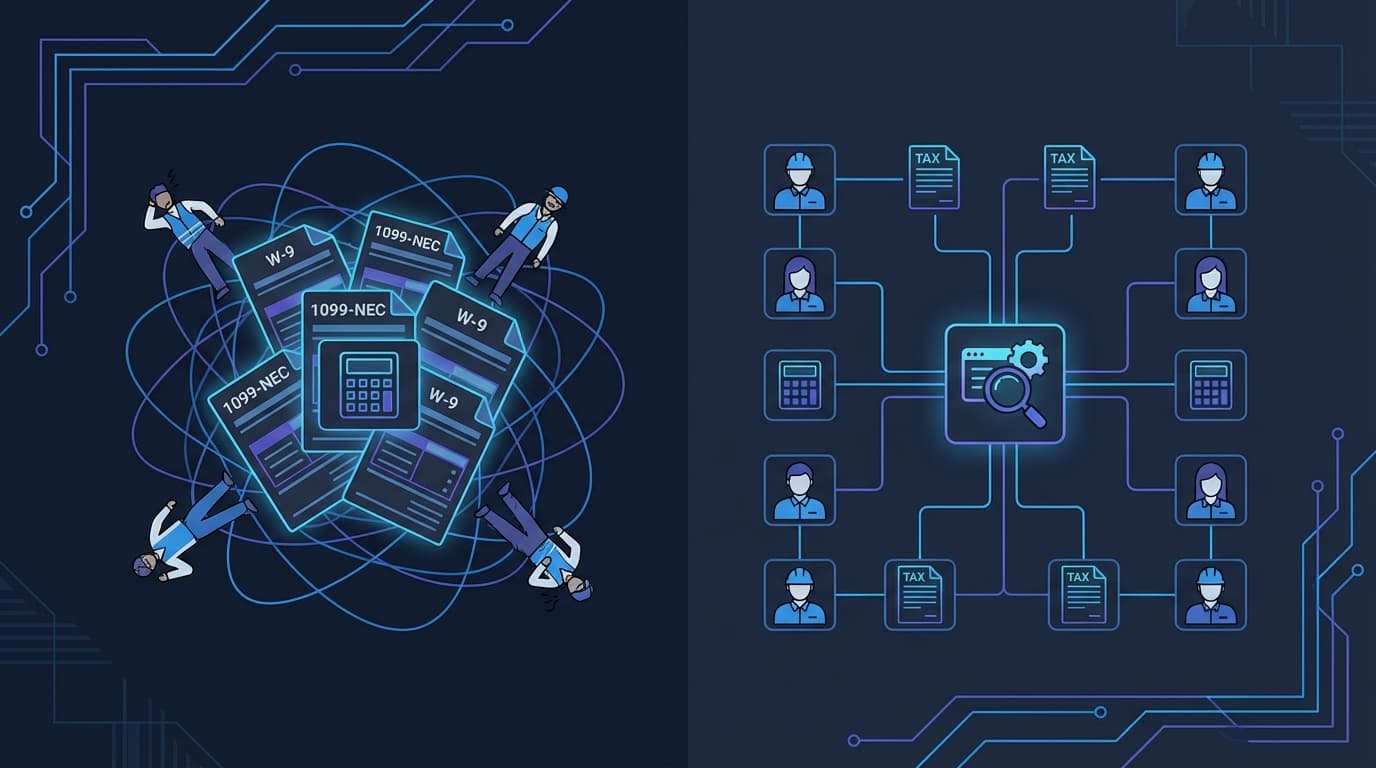
By December, payments are scattered across 3-4 payment methods, 12 months of bank statements, and a QuickBooks file that may or may not reflect all of them. Reconstructing exact totals requires cross-referencing every source. That's the January scramble.
The Fix: Track Payments When They Happen
The fix is obvious in principle and underused in practice: record every contractor payment at the time you make it, in one place, so the 1099 total is already calculated when January arrives.
The minimum viable version: a spreadsheet with columns for date, contractor name, amount, payment method, and what the payment was for. Every time you pay a contractor, add a row. January 31st, you filter by contractor name, sum the amounts, and you're done in five minutes.
The better version: contractor payment tracking built into the system you already use for orders. When you assign an order to a contractor and record their payment, the system automatically accumulates their year-to-date total. At tax time, you pull a report. No spreadsheet. No reconstruction. The data was captured as part of your normal workflow.
This is exactly how contractor payment tracking works inside Appraiser Machine. When you assign an order to a contractor and record their payment against the order, the system maintains a running total per contractor for the year. At 1099 time, you pull the report, confirm the totals, and hand them to your CPA. The January scramble becomes a January five-minute task.
One more reason this matters: contractors sometimes dispute the totals. When you send a 1099 for $18,000 and the contractor thinks it should be $16,500, you need records showing every individual payment - date, amount, which order it was for. Annual totals aren't enough. Payment-level detail resolves disputes immediately instead of turning them into a week-long reconciliation project.
What You Need From Every Contractor (Before January)
The other half of the 1099 problem: you need each contractor's legal name, address, and taxpayer identification number (SSN or EIN) to file the form. Most appraisers collect this at the beginning of the relationship. Some don't, and then spend January chasing contractors for W-9 forms.
Collect a W-9 from every contractor before you pay them for the first time. Not after. Before. Store it digitally. This is a 5-minute task that prevents a multi-day headache.
The Payment Methods Question
The payment method you use affects your record-keeping. Here's the practical reality for appraiser contractor payments.
Business checking account (check or ACH): Easiest to track. Your bank statements provide a complete record. QuickBooks or your accounting software can import transactions automatically.
Zelle, Venmo, PayPal: These work fine for payment but create record-keeping fragmentation. Payments are scattered across separate platforms instead of concentrated in your bank statements. If you use these, make sure you're recording each payment in your central tracking system (spreadsheet or practice management software) at the time you make it.
Cash: Don't. There's no paper trail and no way to prove the payment to the IRS if questioned. Even if it feels simpler in the moment, cash payments create audit exposure.
The best practice: pay contractors through one consistent method tied to your business checking account, and record every payment in one central system. The fewer places you have to look in January, the less time the process takes.
The January Checklist
If you follow the year-round tracking approach, January looks like this:
By January 15: Pull your contractor payment report (from your tracking system, spreadsheet, or QuickBooks). Confirm totals against your bank statements.
By January 20: Prepare 1099-NEC forms for each contractor who received $600+. You can file electronically through the IRS FIRE system, or use a service like Tax1099.com, or have your CPA handle it.
By January 31: File forms with the IRS and furnish copies to each contractor. Done.
If you don't have year-round tracking and you're reading this in January, here's the emergency version: pull all bank statements for the year. Search for every payment to each contractor across all payment methods. Compile totals. File. And then set up a tracking system this week so next January isn't a repeat.
The Bigger Picture
The 1099 scramble is a symptom of a deeper problem: appraisers running their business operations across disconnected tools that don't talk to each other. Orders in email. Payments in QuickBooks. Contractor assignments in your head. Mileage on paper. Every January, the disconnection becomes visible in the form of a stressful, time-consuming reconstruction.
The fix isn't a better spreadsheet. It's fewer systems that do more. When your orders, assignments, payments, and contractor tracking all live in one place, the data is already organized when you need it. Not just for 1099s - for every operational question. How much did contractor X produce last quarter? Which contractors are most profitable? What's my average turnaround by contractor?
That operational visibility is what makes the difference between a practice you're running and a practice that's running you.
Related Articles:

Jon Barrett
Jon Barrett is the founder of Appraiser Machine and has spent over a decade working with independent appraisers. He's built 300+ appraiser websites, co-led a national appraiser mastermind group, and talked with hundreds of appraisers about what's actually working in their practices. He built Appraiser Machine because the operations side of running an appraisal practice was still stuck in spreadsheets and duct tape - and appraisers deserved better.